Finish first. Then log.
No timer to start in advance. Finish a chapter or a work session, then log the time you just spent.
YOUR TIME LEDGER / TIME, CONSIDERED.
Log what you did. See what matters to you.
Understand the time you spend growing, living, and recharging.
iPhone · iPad · Mac Sync through your iCloud
01 / RECORD
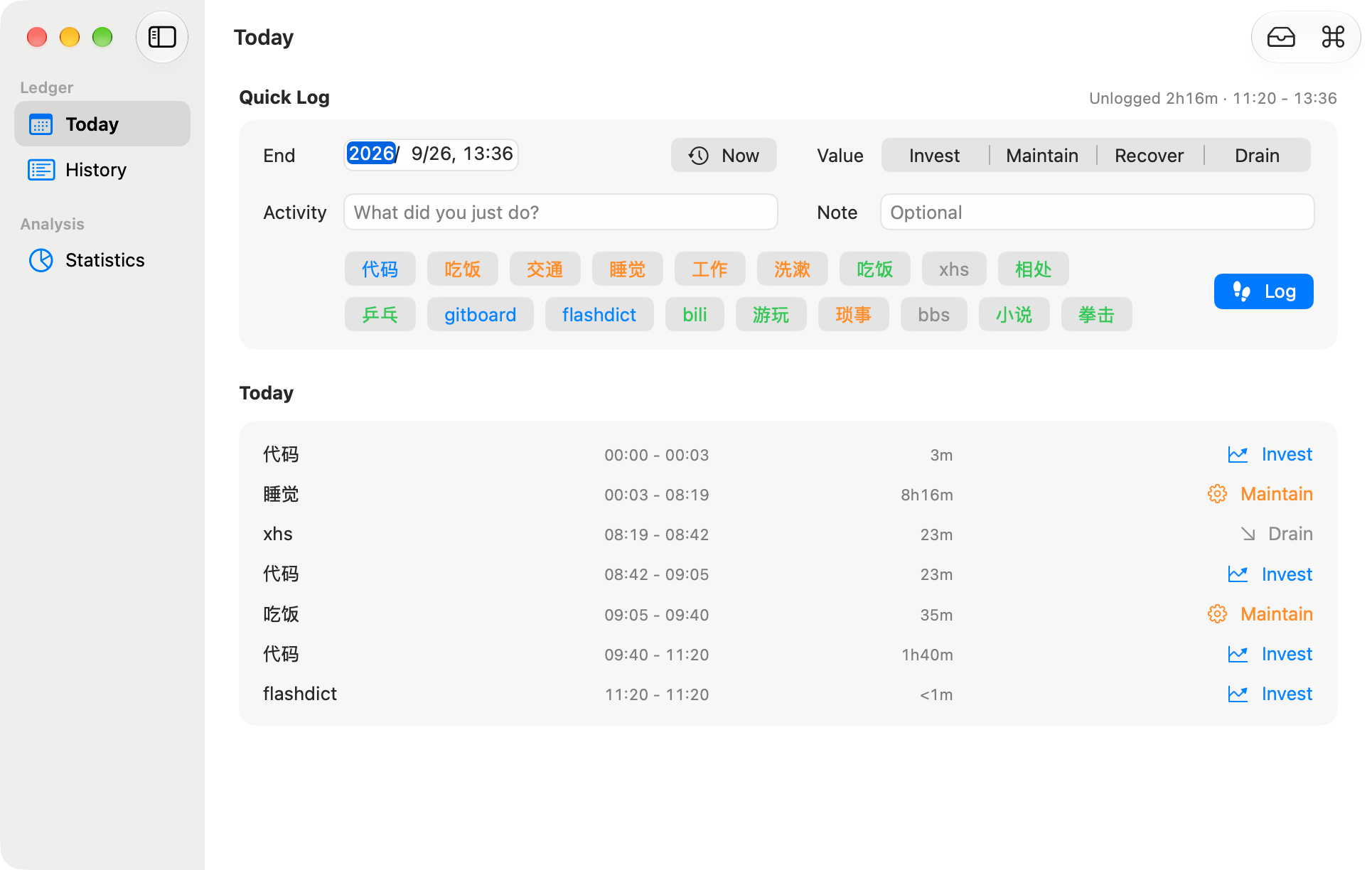
When you finish an activity, enter what you did and when it ended. Zendo picks up where your last entry left off, building a clear timeline of your day.
No timer to start in advance. Finish a chapter or a work session, then log the time you just spent.
Save the interval while it is fresh. Add the activity and value category when you have a moment.
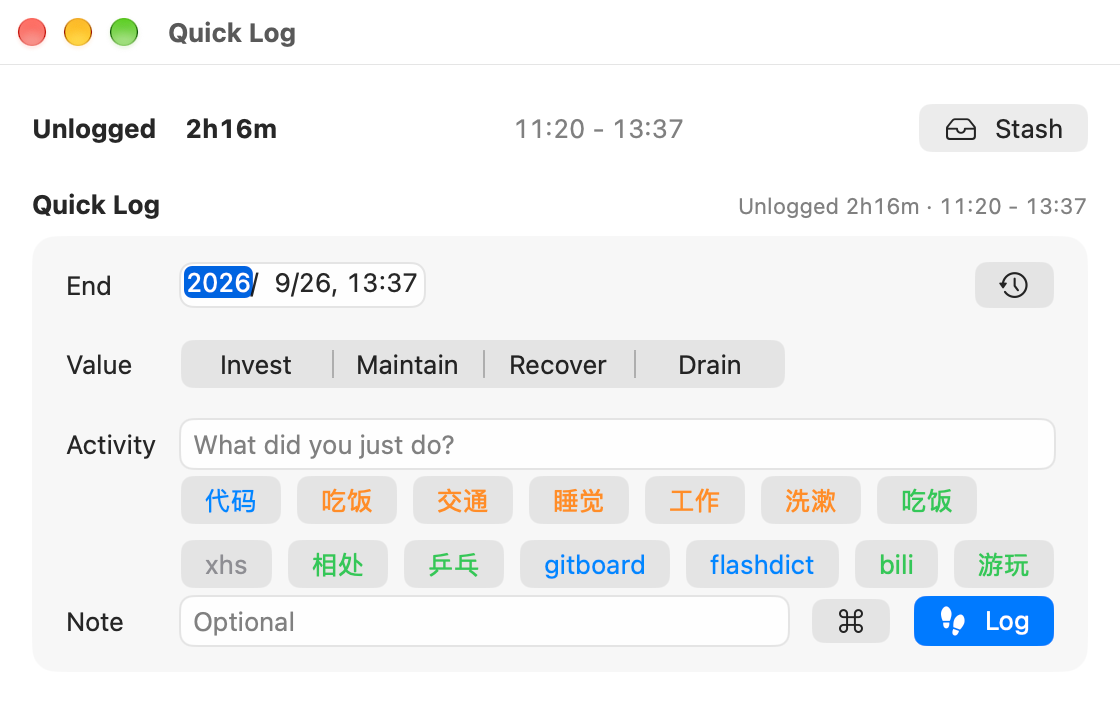
Use the menu bar, Quick Log window, or a global keyboard shortcut. Log your time and get back to what you were doing.
LOG IT. GET BACK TO YOUR DAY.
Enter what you just did in a dedicated window, or use Stash to save the interval for later. On Mac, you can also use the menu bar and configurable global shortcuts.
02 / UNDERSTAND
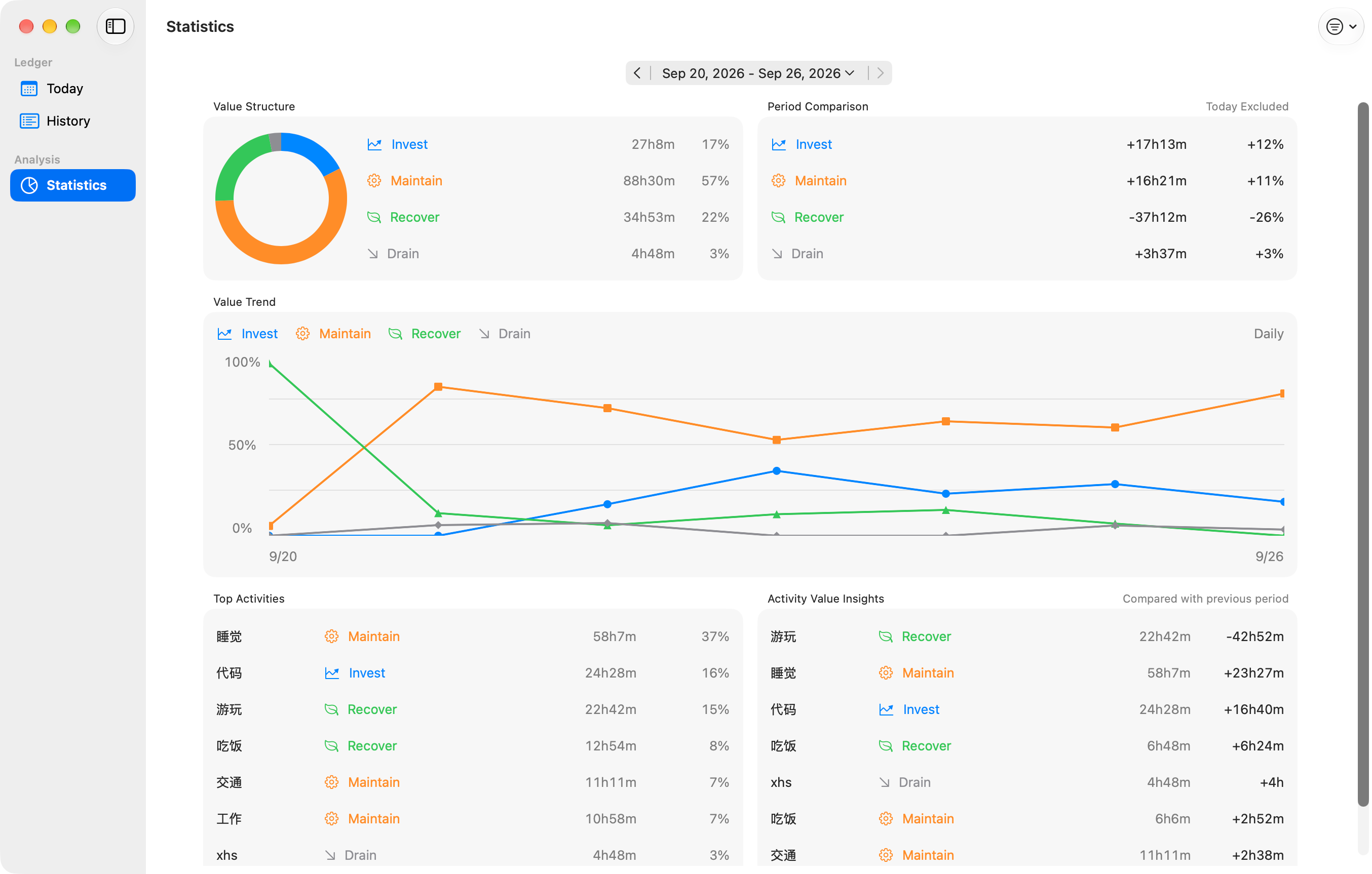
Describe time as Invest, Maintain, Recover, or Drain. A walk might help you recover; a meal might maintain your day. Choose what fits your experience, and change it whenever you need.
Browse by day, week, month, year, or a custom range. Find the time you want to revisit by activity, notes, and value category.
Value breakdowns, trends, top activities, and period comparisons give you a record to reflect on and a basis for making changes.
Log and review time offline. No Zendo account required.
Continue on your own iPhone, iPad, and Mac through your private iCloud database. Changes may take time to sync.
Export and restore local backups. No ads or third-party analytics. The developer does not collect your ledger contents.
Give the time you have lived a place in your ledger.
Download on the App Store